Share this page


Create a script with TruAPI
This task describes how to create a script with TruAPI.
-
Create a standard npm package.
-
Open a command window.
-
Create a folder in your script directory.
-
Type
npm init.The setup questions are optional.
-
-
Implement the script.
Write your own .js code or use
truapi-gento generate a template.-
To create a generic test, type
truapi-gen --template default -
To create a HTTP script, type
truapi-gen --template base-url --testUrl http://<url>/Tip: Sample scripts can found in the location:
<installdir>\npm\node_modules\truapi\sample
-
-
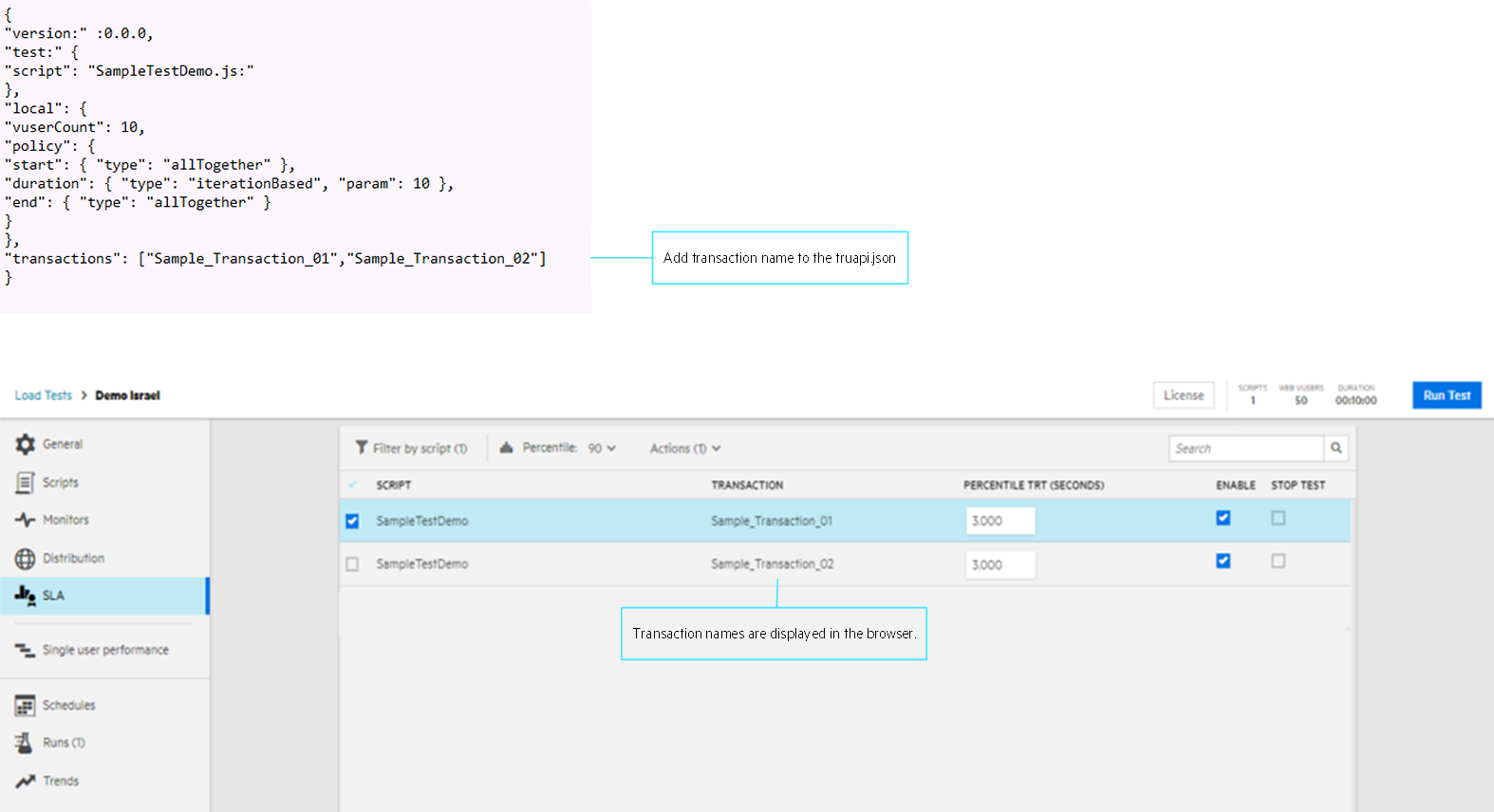
Add transaction names to the
truapi.jsonfile.A
truapi.jsonconfiguration file is added to the test folder when you run atruapi-gencommand. To display script transactions on the OpenText Core Performance Engineering > Load test > SLA page, manually enter the transactions names, separated by commas, into the transaction section of the file.Note: To automatically update the truapi.json file with transactions names, type
truapi-cli --updateTran.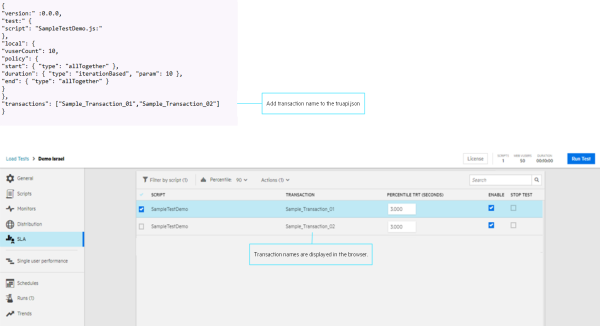
-
After you have written the TruAPI script, test it locally to verify that it runs without error.
-
Open a cmd window.
-
Set the path to the test folder.
-
Type
truapi-cli.
-
-
Generate the TruAPI script package.
-
Open a cmd window.
-
Set the path to the test folder.
-
Type
npm pack.A *.tgz is created. This file can be uploaded to OpenText Core Performance Engineering and added to a test definition.
-
 Next steps: