Share this page


Quick Add Application dialog box
Note: This dialog box is only available if you log in using OpenText Application Quality Management or an OpenText Functional Testing license.
This dialog box enables you to add a new application to your application list by selecting it from a list of currently running applications.
| Option | Description |
|---|---|
| UI Example | 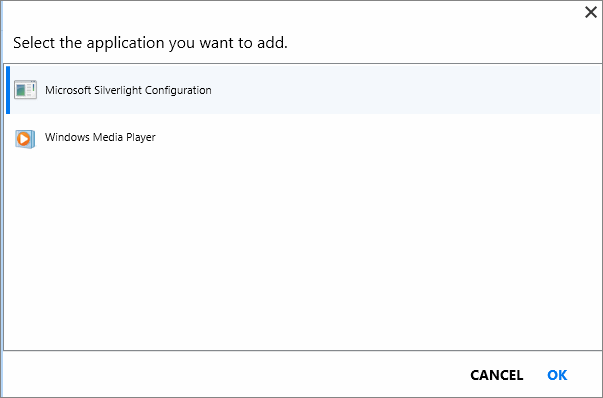 |
| To access |
In Plan mode:
In Run mode:
|
| Important information |
Application details are entered automatically.
Quick Add automatically selects the technologies used in developing the application being tested.
For desktop applications that use ActiveX and Web applications:
For desktop applications that do not use ActiveX:
|
 > Applications tab> Add > Quick Add .