Share this page


Simulation Report Scenario 1
Why didn't the client request match any rules in my data model?
-
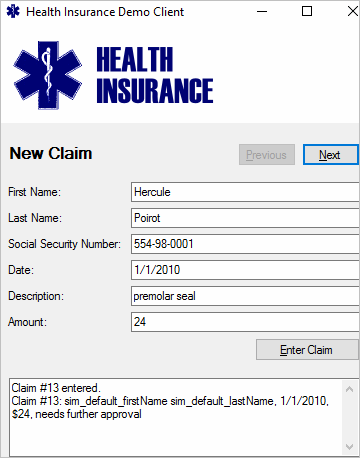
Your client application is complaining about the response data.
OpenText Service Virtualization returned the default response:
-
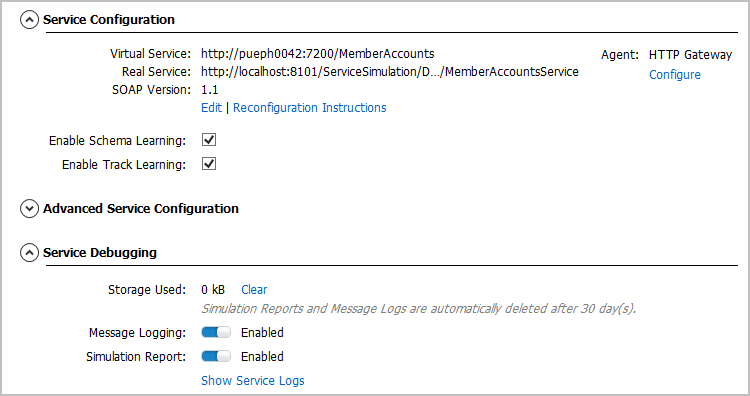
In the Virtual Service Editor, expand the Service Configuration section and select the Enable Schema Learning and Enable Track Learning options.
-
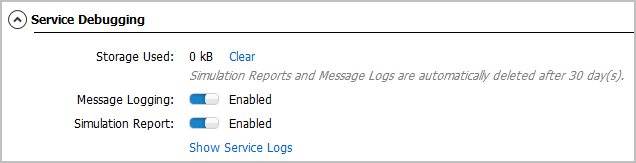
In the Service Debugging section, enable Message Logging and Simulation Report:
-
Generate a simulation report:
Send the request again. Messages are logged and the simulation report is generated.
Click Show Service Logs to open the message viewer.
-
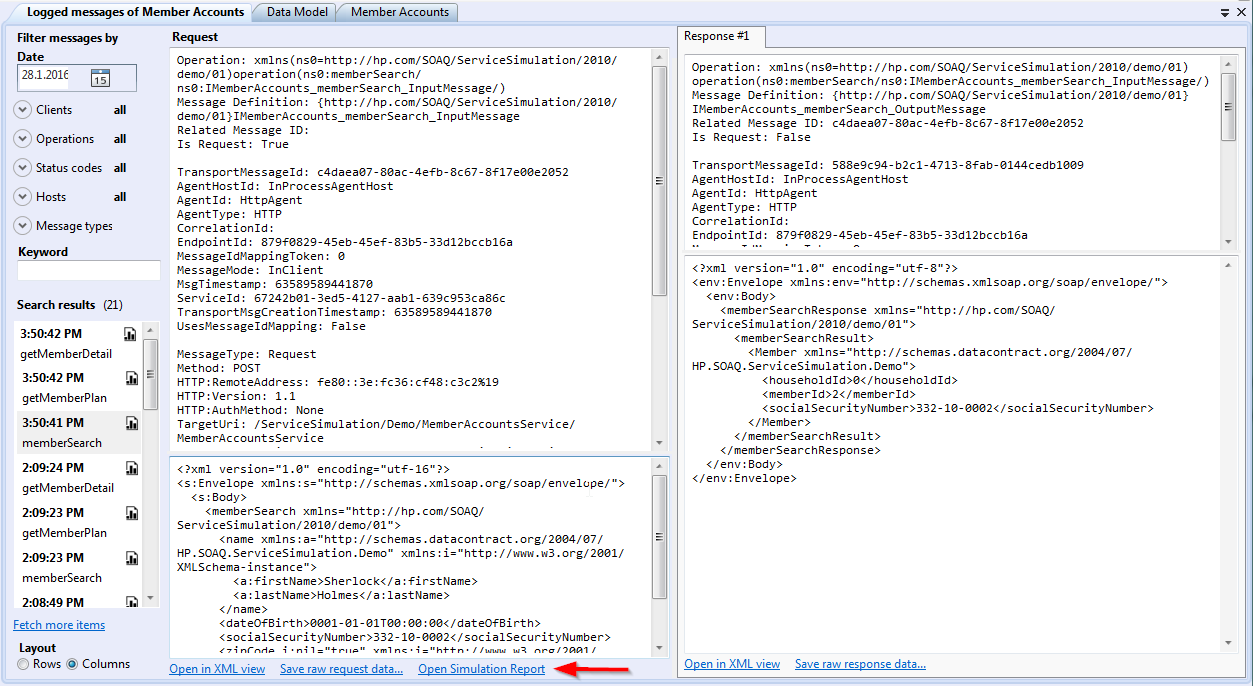
Review the logged messages:
The first operation called was memberSearch. It returned the default response. We want to fix this.
-
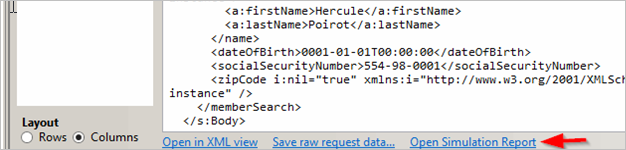
Open the simulation report:
At the bottom of the message viewer, click Open Simulation Report.
-
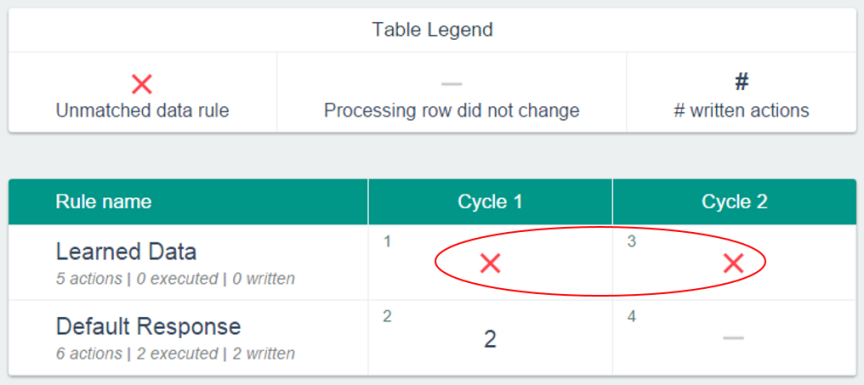
The simulation report indicates that the Learned Rule did not match any data during simulation.
-
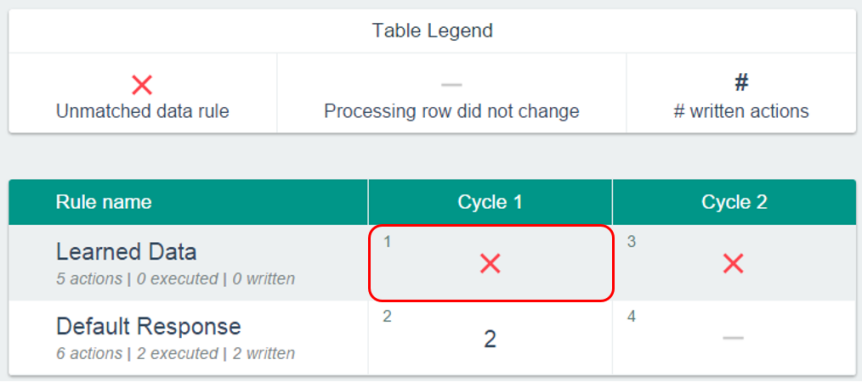
Let's look at the first step of Cycle 1:
Click inside the step to get more details.
-
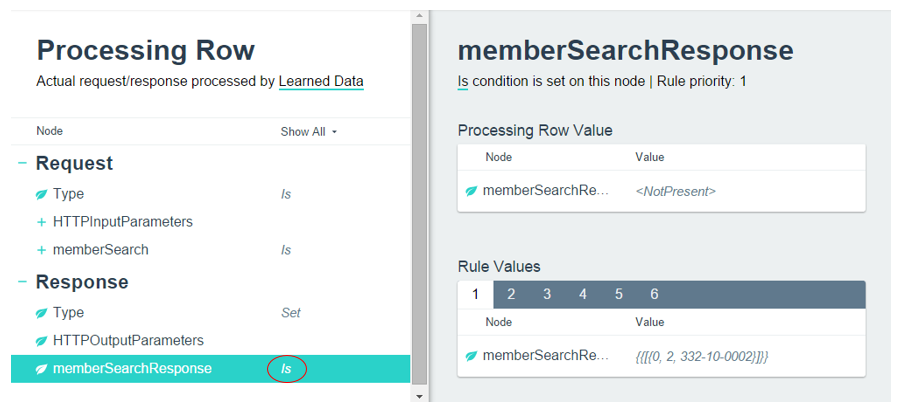
Inside the Learned Data rule:
The Is condition is mistakenly defined for memberSearchResponse.
-
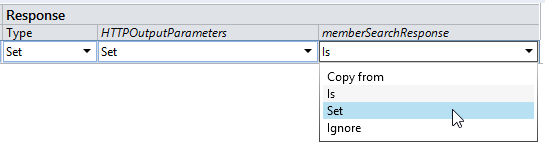
Let's fix it in the Data Model:
Navigate to the Learned Data rule and select the memberSearch operation.
-
Let's try sending the request again:
The client is now working correctly.